

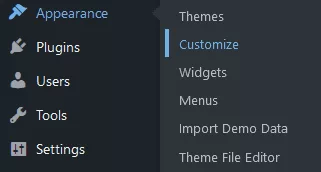
1. In your WP Admin Dashboard, under the “Appearance”, select “Customize”.
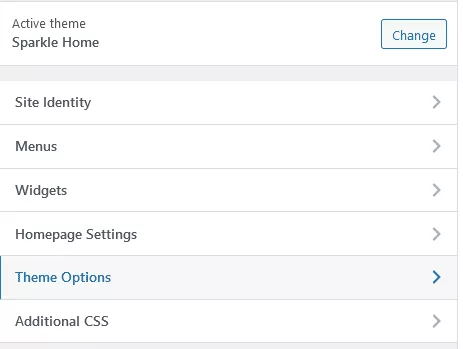
2. Choose “Theme Options” and then “Layout settings”.
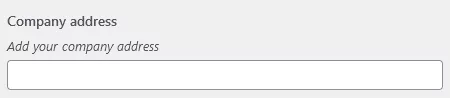
3. Find a “Company address” field and add your address there. We will automatically find it on a map and generate coordinates in the background.
4. After you’re done, just click the “Publish” button.