

At some point, you’d like to change your logo or at least check if a different logo looks better.
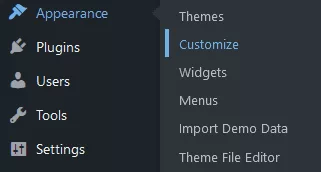
1. In your WP Admin Dashboard, under the “Appearance”, select “Customize”.
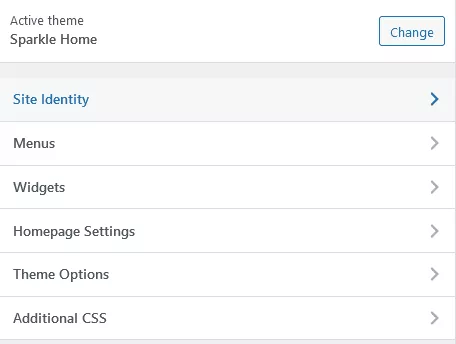
2. Choose “Site Identity”
3. You now have two options you’d probably like to change, “Logo” and “Footer logo”.
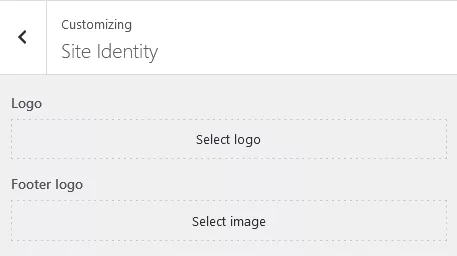
The logo is the one that is used in the header and Footer logo, obviously, is the one in the footer.
4. After you’re done, just click the “Publish” button.