

1. After you imported the photos you want to use, go to your WP Admin Dashboard and choose “Media”.
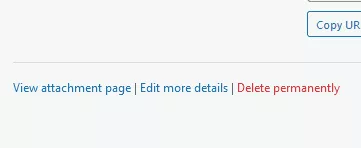
2. In the “Media Library”, click the photo you’d like to download and a popup will open. In the popup, find the “View attachment page” link and click it.
3. You’ll get a public page with a small picture, click on it, and it will open a bigger size. Then right-click on it and save it.